 MarkSchrift
One app, every screen
Start on a Mac. Refine on the go. Reference anywhere.
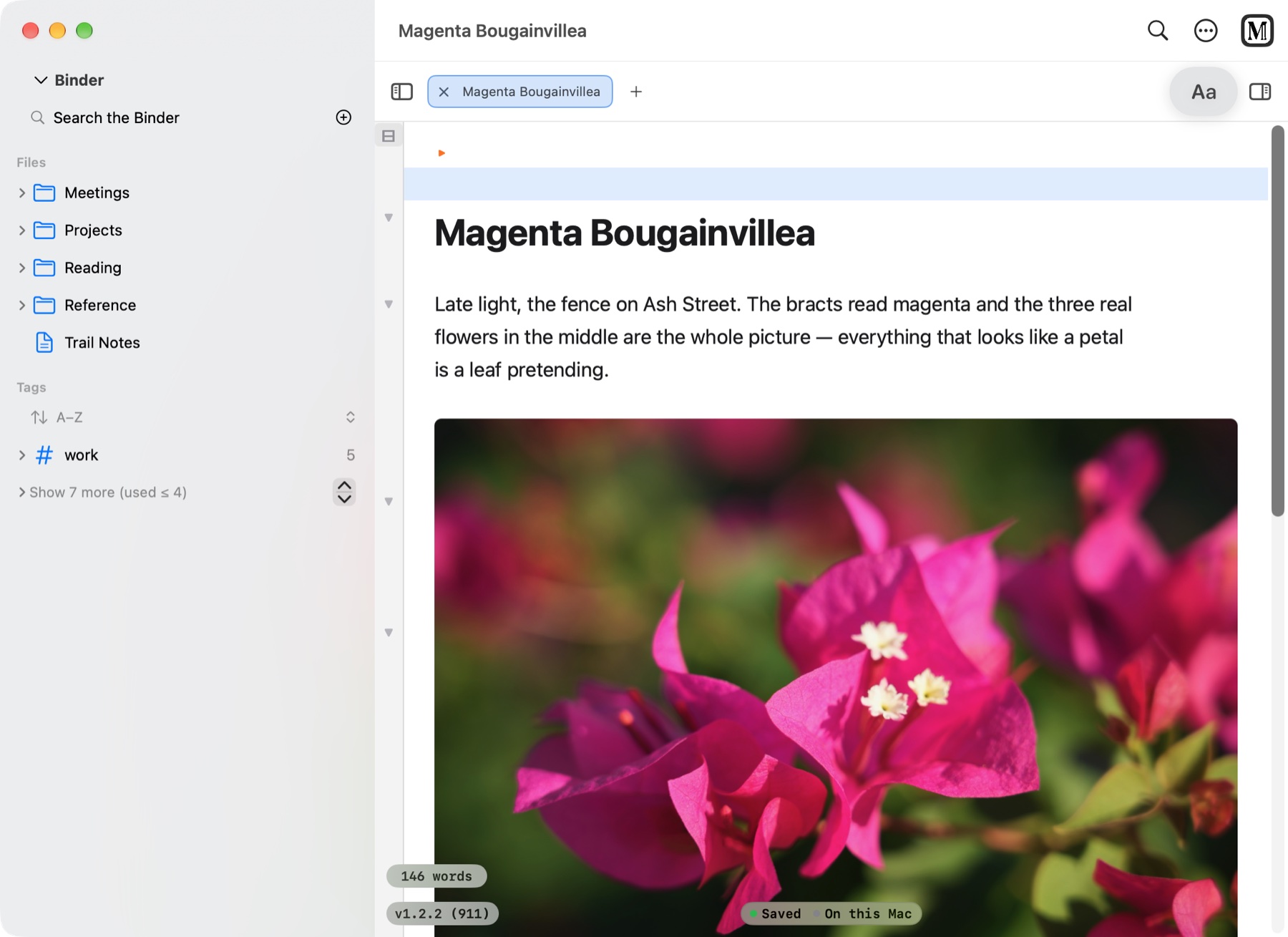
MarkSchrift was written so the same files could be edited on a Mac, an iPad or a phone. Open it on the Mac and it looks and works just like the iPad: the same Binder, the same editor, the same notes, waiting where you left them.
1Start on a Mac
2Refine on the go
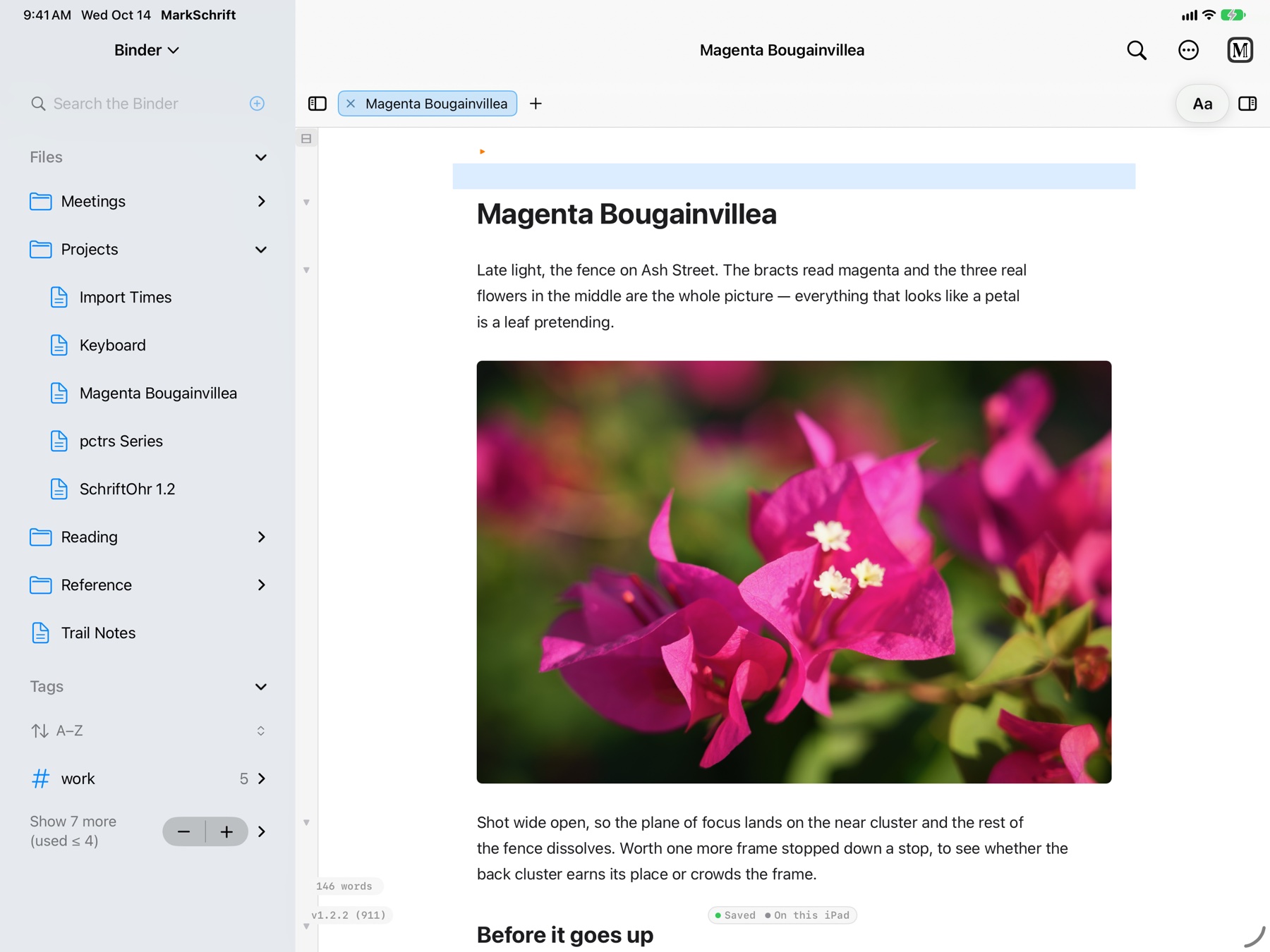
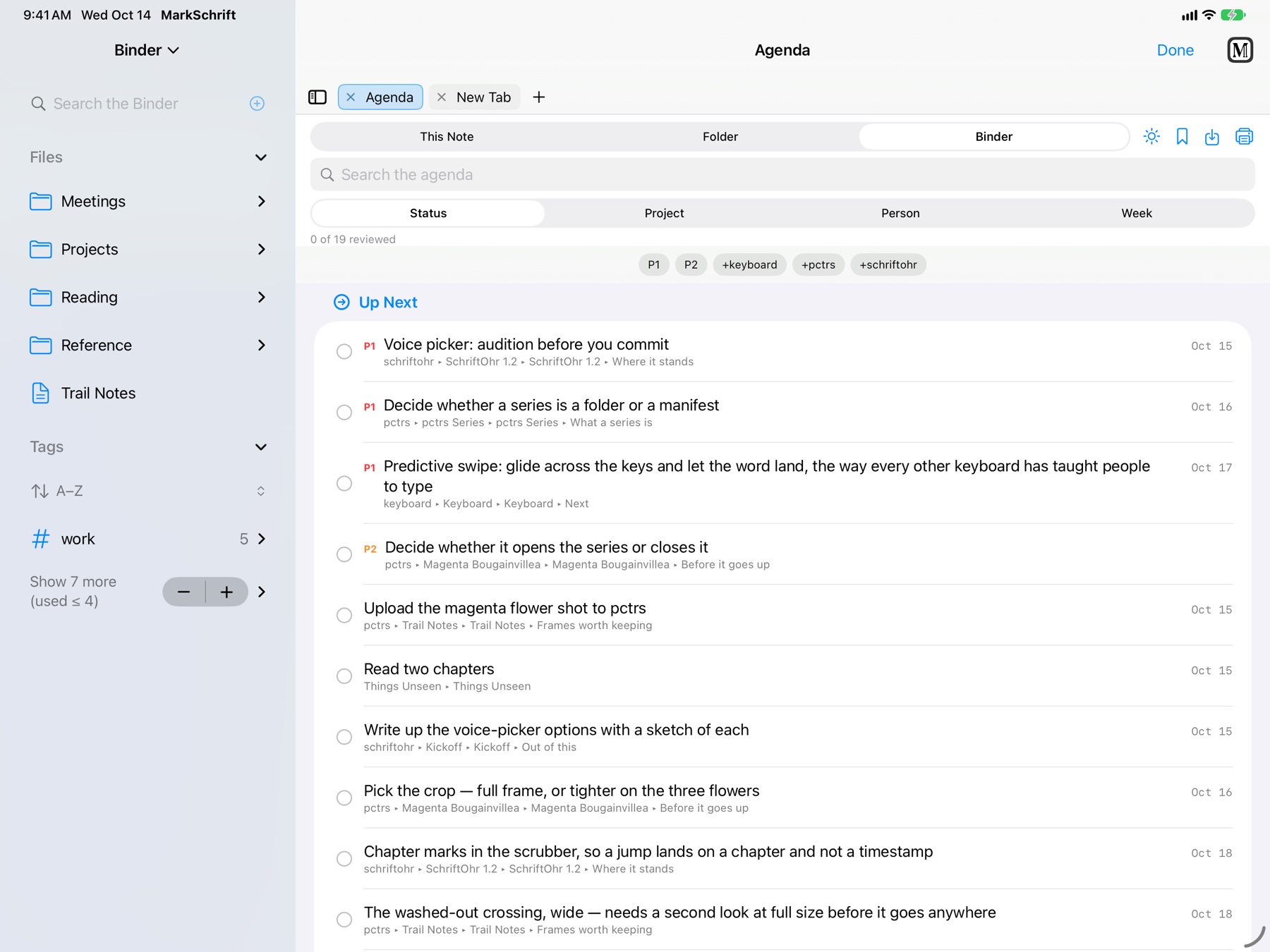
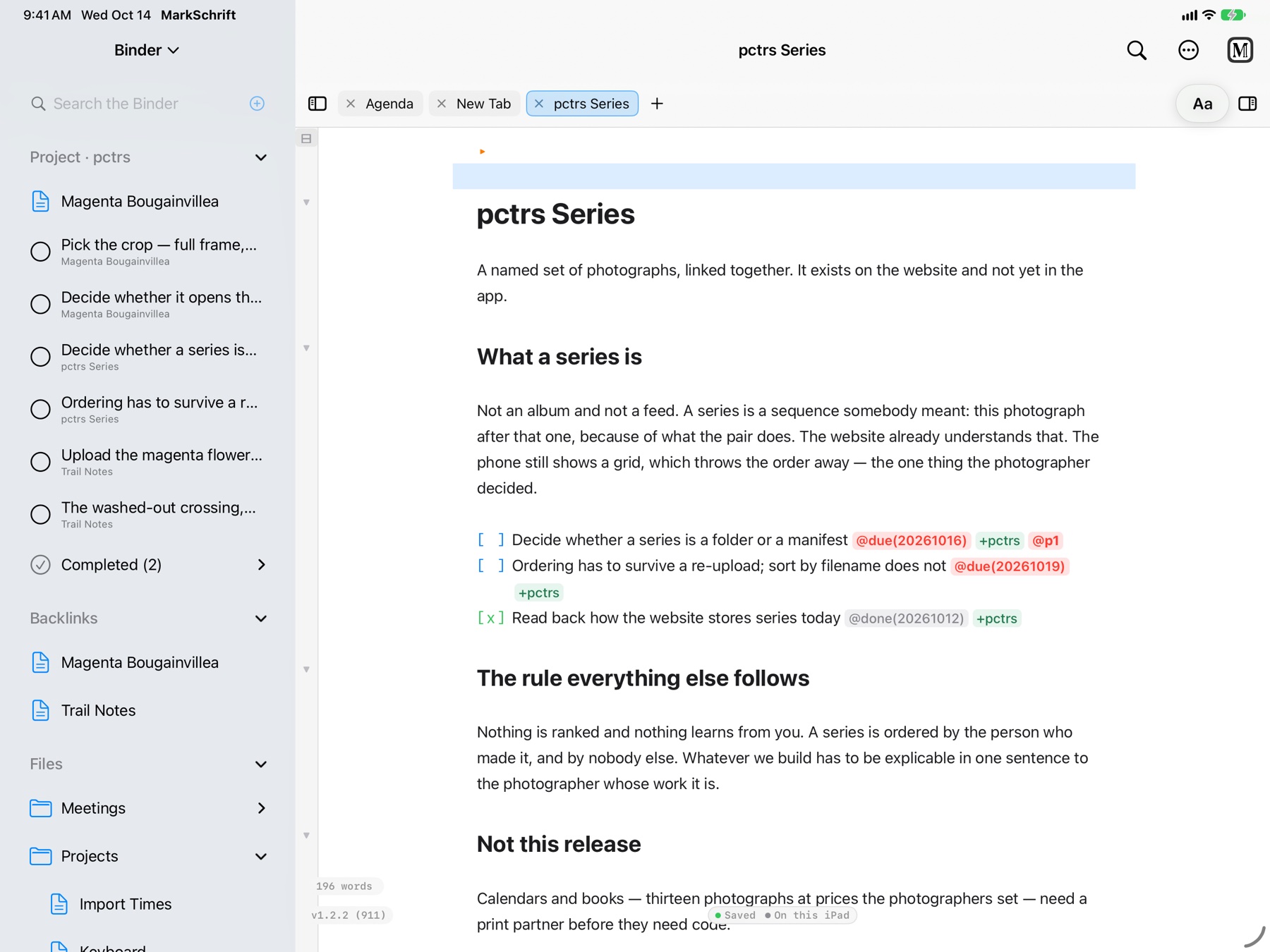
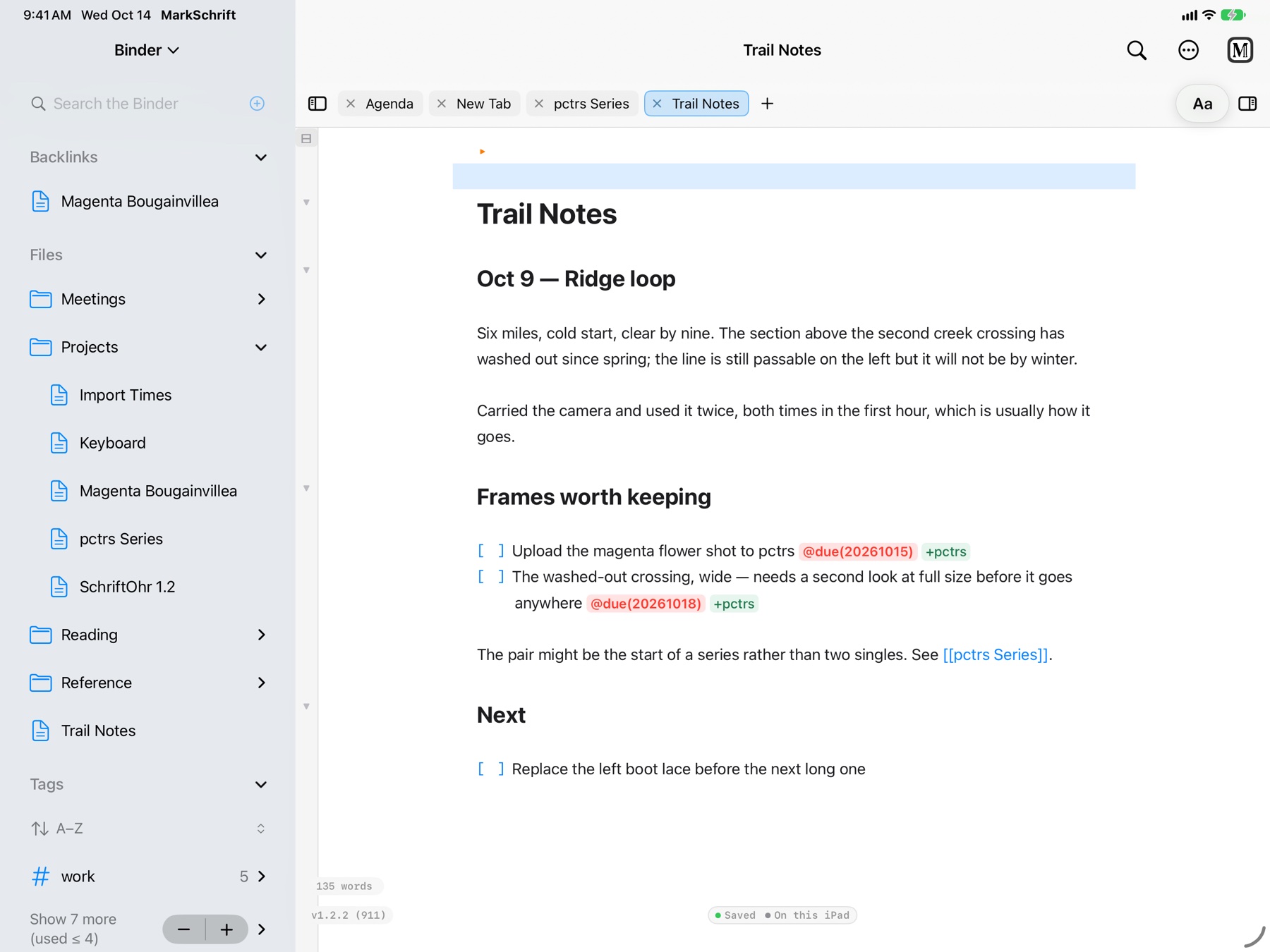
A note with its picture, rendered as you write
3Reference anywhere
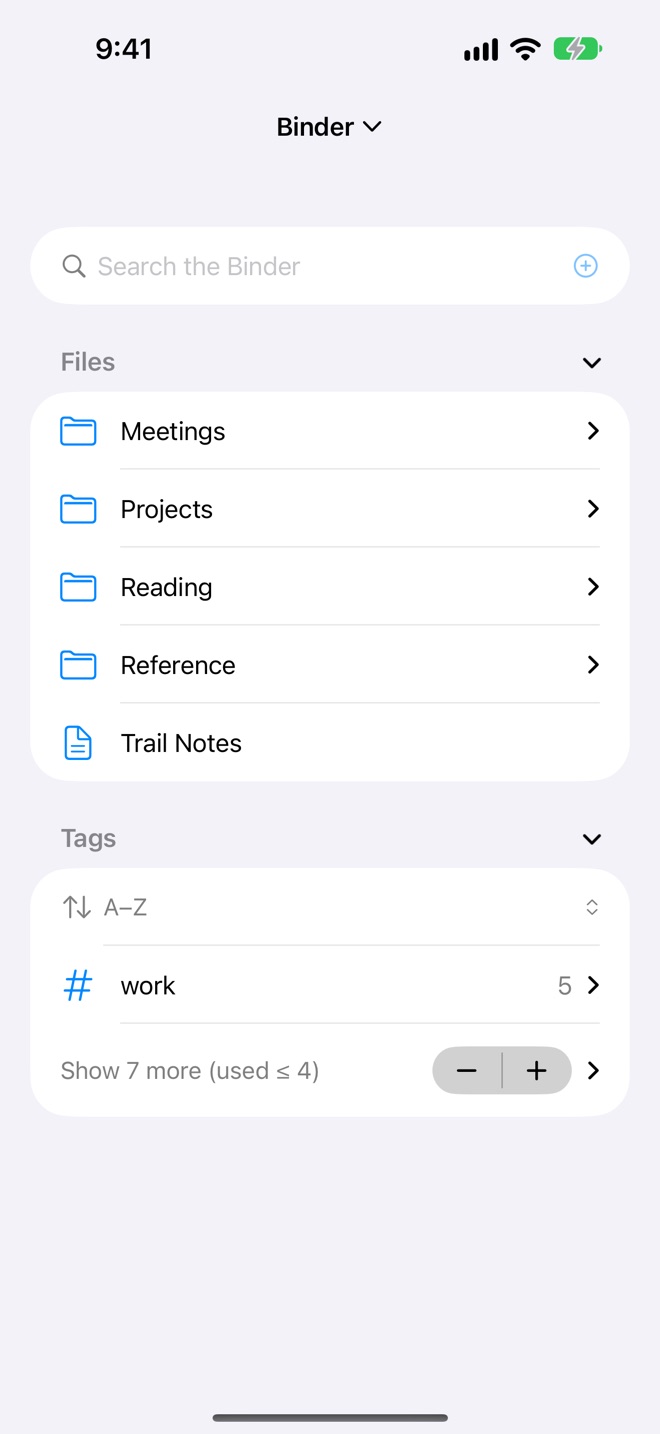
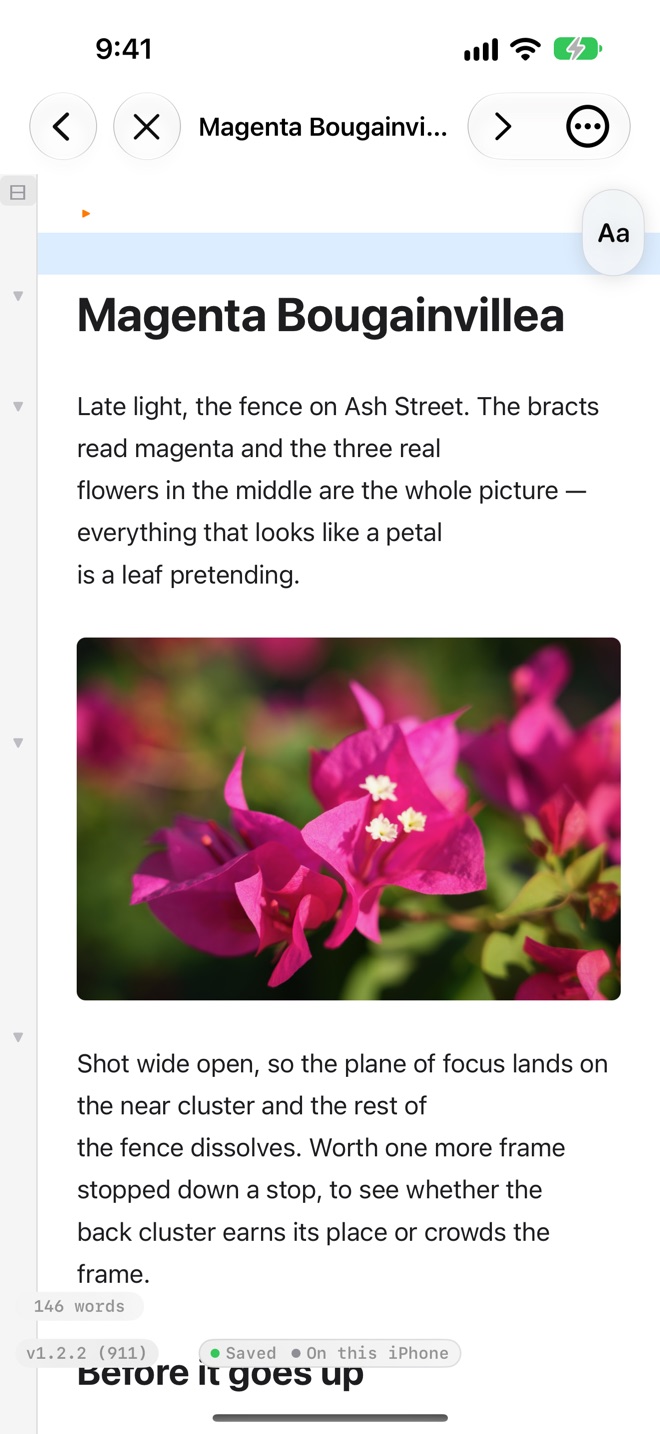
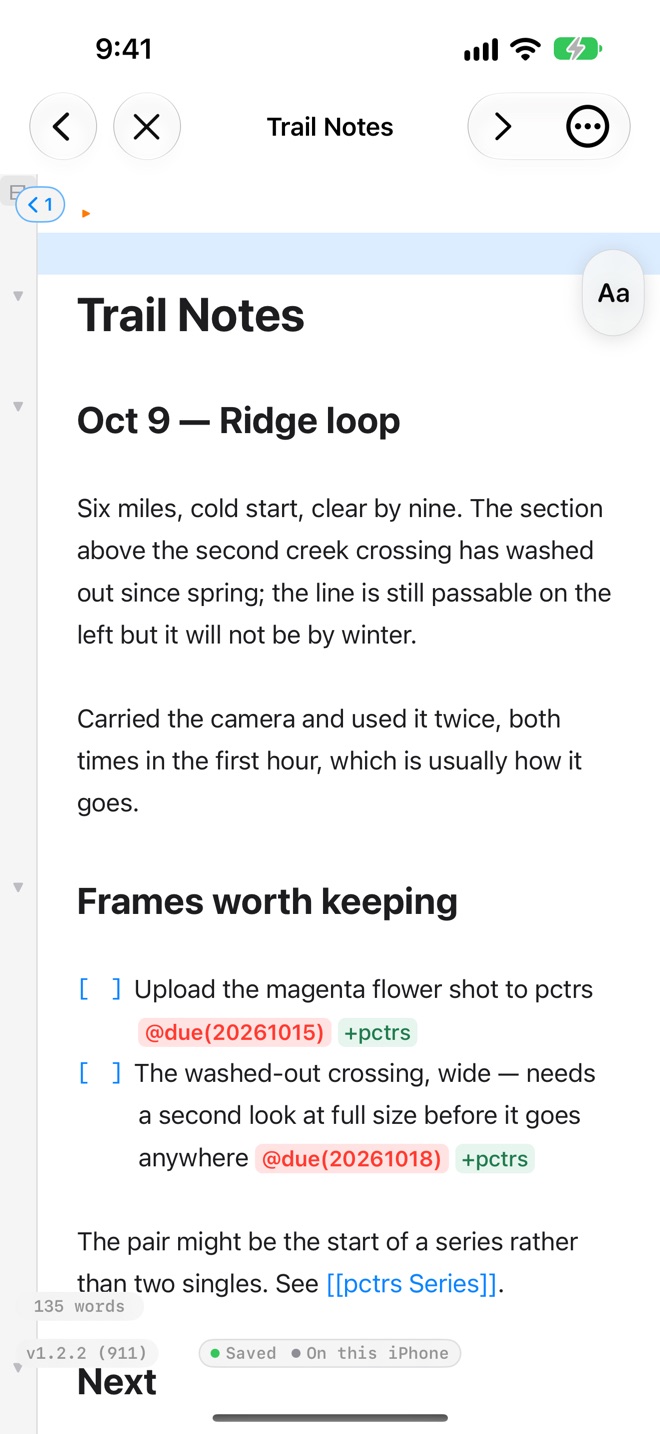
The same notes in your pocket, ready when you need them.
Outlines
Outlines that number themselves.
Write an ordinary Markdown list and MarkSchrift numbers it as a legal outline (I · A · 1 · a), a decimal one (1.1.1) or an alphanumeric one (1 · A · (1) · a), and keeps the numbers right as you move points around.
Each note can carry a small manifest at the top: a few plain lines that set its numbering, font and heading sizes. Change one word and the whole outline follows, in the editor and in every export. Then fold it away.
What makes it different
What people love about Markdown apps, and what they usually leave out.
Live-preview editing, a vault of plain files you own, wiki links and backlinks, fast search. Then the rest:
Live collaboration
Share an end-to-end encrypted link and edit together in real time; everyone appears as a named, coloured cursor, and collaborators can join from any browser. Up to 12 editors and 50 viewers, and the server never sees your text.
Know who did what
When someone edits from a browser or another device, the tasks they touch say so: a small @from tag records their name and the time, and each note keeps a collaborators: line of everyone who has edited it. It is all plain text in your file, a record and not a lock.
An on-screen keyboard
Writing on an iPad or iPhone with no hardware keyboard? MarkSchrift has its own: compact, so it keeps most of the screen, with a symbol on every key, the whole format bar built in, double-tap to capitalise and hold-space to glide the cursor.
Scripture tools
Paste a passage from Logos as clean Markdown, or a copied outline from any app, and turn a citation like “Romans 8:1-4 ESV” into a link that opens Logos to the verse.
Greek and Hebrew
Built-in polytonic Greek and pointed Hebrew palettes: tap letters and diacritics to compose ἐν ἀρχῇ or בְּרֵאשִׁית.
Real outlining
Numbered, legal (I / A / 1 / a / i), decimal (1.1.1) or alphanumeric outlines. Move or indent a point with all its children in one keystroke; the numbering keeps itself, even across paragraphs of discussion.
Projects and your week
Tag tasks +project and give each project a home page: its notes, open work, finished work and people, gathered live. A note per week and a Weekly Review carry what is open forward.
Scoring pads
Drop a live scoring grid into a note: players as columns, rounds as rows, running totals and a winner's crown, set up for Cribbage, Yahtzee, Catan, Hearts and more. A shared session keeps score together.
Math, rendered live
Write LaTeX between dollar signs, like $E = mc^2$, and it typesets in place as you write. The file stays plain text, the same renderer drives shared links and your PDF and HTML exports, and a lone $ still means money.
The essentials
Done well, and out of the way.
Live preview editing
Write in Markdown and see it rendered as you type, with no split panes and no preview toggle. The file stays plain, portable Markdown.
Your vault, linked and searchable
Every note in one window: join them with [[wiki links]] and backlinks, label with #tags, and search the full text of your vault (⇧⌘F), landing right on the matching line.
Pictures
Paste, drag or insert an image and it is copied into a vault-attachments folder, so a note and its pictures stay together. Size it from the caption, and it embeds in your PDF, Word and HTML exports.
Contents and outline
A live outline of your headings in a side panel. Drop [toc] into a page for a table of contents, and export PDFs with a bookmark sidebar and clickable links.
PDF, Word and HTML
Paginated PDFs with page numbers, page breaks, bookmarks and your outline numbering true to the editor, plus Word (.docx) and HTML.
Works with any Markdown
Documents written anywhere open cleanly; tabs or any indent style convert on their own. Your files stay standard Markdown other apps understand.
Make it yours
Choose your editor font (a handwriting face among them), accent colour, reading width, numbering style and toolbar position, and search the full guide in the in-app Help.
Cloud Storage
Keep documents in iCloud Drive and they stay in step across your Apple devices. On the Mac or iPad, open documents as tabs in one window. Google Drive is in development for the web and Android.
Private by design
No accounts, no analytics in the app, no data collection. Documents stay on your device; live sessions are end-to-end encrypted, and you can end any share and purge the server's copy.
Extended Markdown
Beyond CommonMark.
| Feature | Syntax |
|---|---|
| Highlight (yellow) | ==text== |
| Highlight (green / blue / pink) | ==g:text== ==b:text== ==m:text== |
| Superscript | ^text^ |
| Subscript | ~text~ |
| Underline | ++text++ |
| Code block, highlighted | ```lang |
| Tag | #tagname |
| Wiki link | [[Document Name]] |
| Image, optional size |  |
| Centre / right align | ::: center |
| Scripture link (Logos) | — Romans 8:1-4 ESV |
| Task | - [ ] item |
| Date / time stamp | ;;dd ;;tt ;;dt |
| Page break (PDF) | \pagebreak |